FAQs
Searching...
What do I need to do before the switch to Visa?
If you're the primary cardholder, make sure your card mailing address is up to date before the cut-off date shown in the notice we send you. All new cards, including those for any additional cardholder, will be mailed to that address.
How do I check or update my address in Westpac Online Banking?
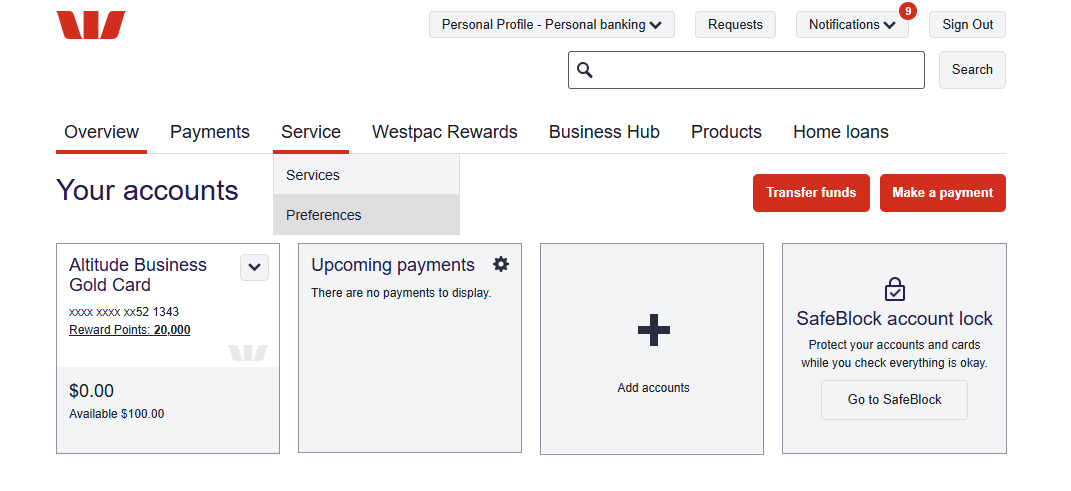
- Go to Services > Preferences > Personal details.
- Select Personal and Contact Details
- Enter the SMS code sent to your registered mobile and select Next
- Edit, Add or Delete the address, phone number or email
- Save changes to any updates made.
Instruction
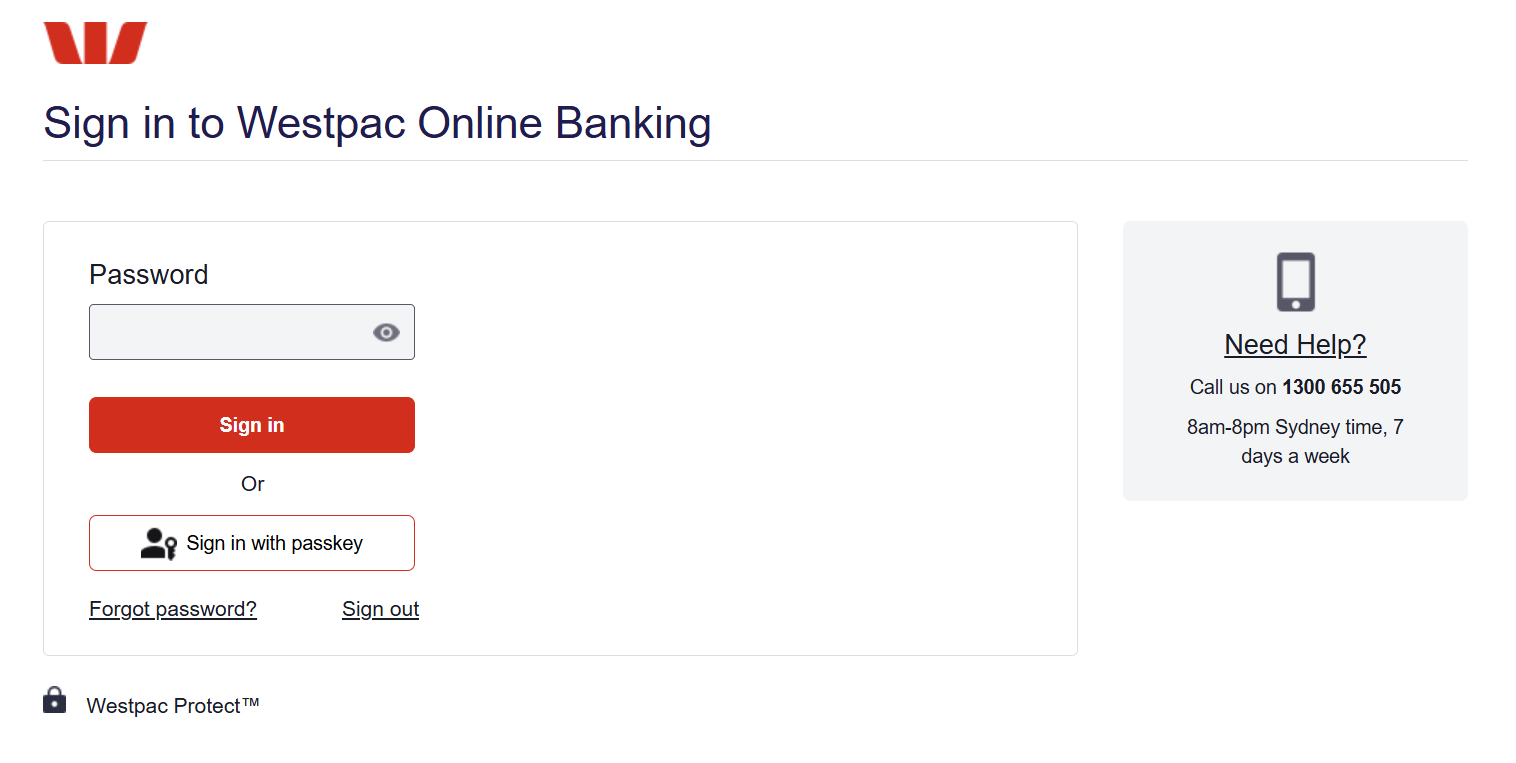
Logon to Westpac Online Banking.
Screen
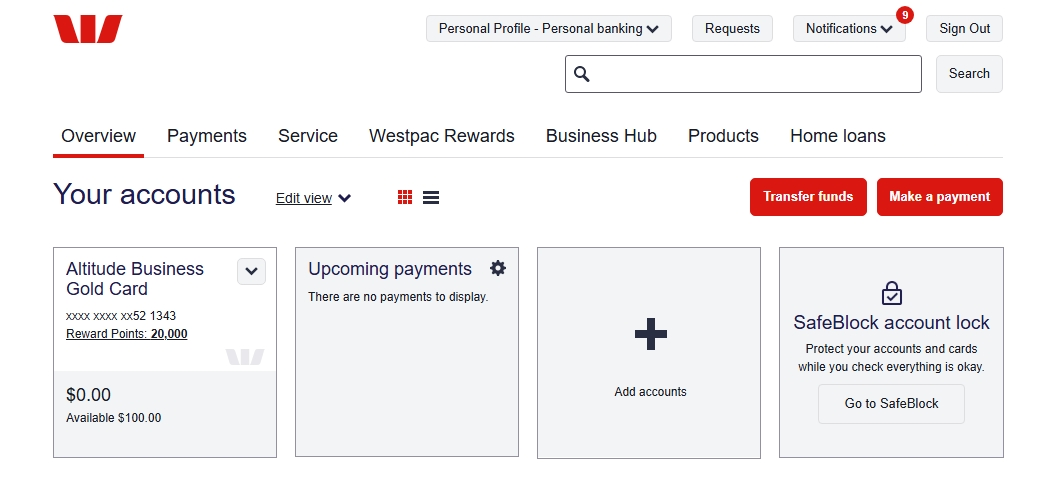
Home Screen will be displayed.
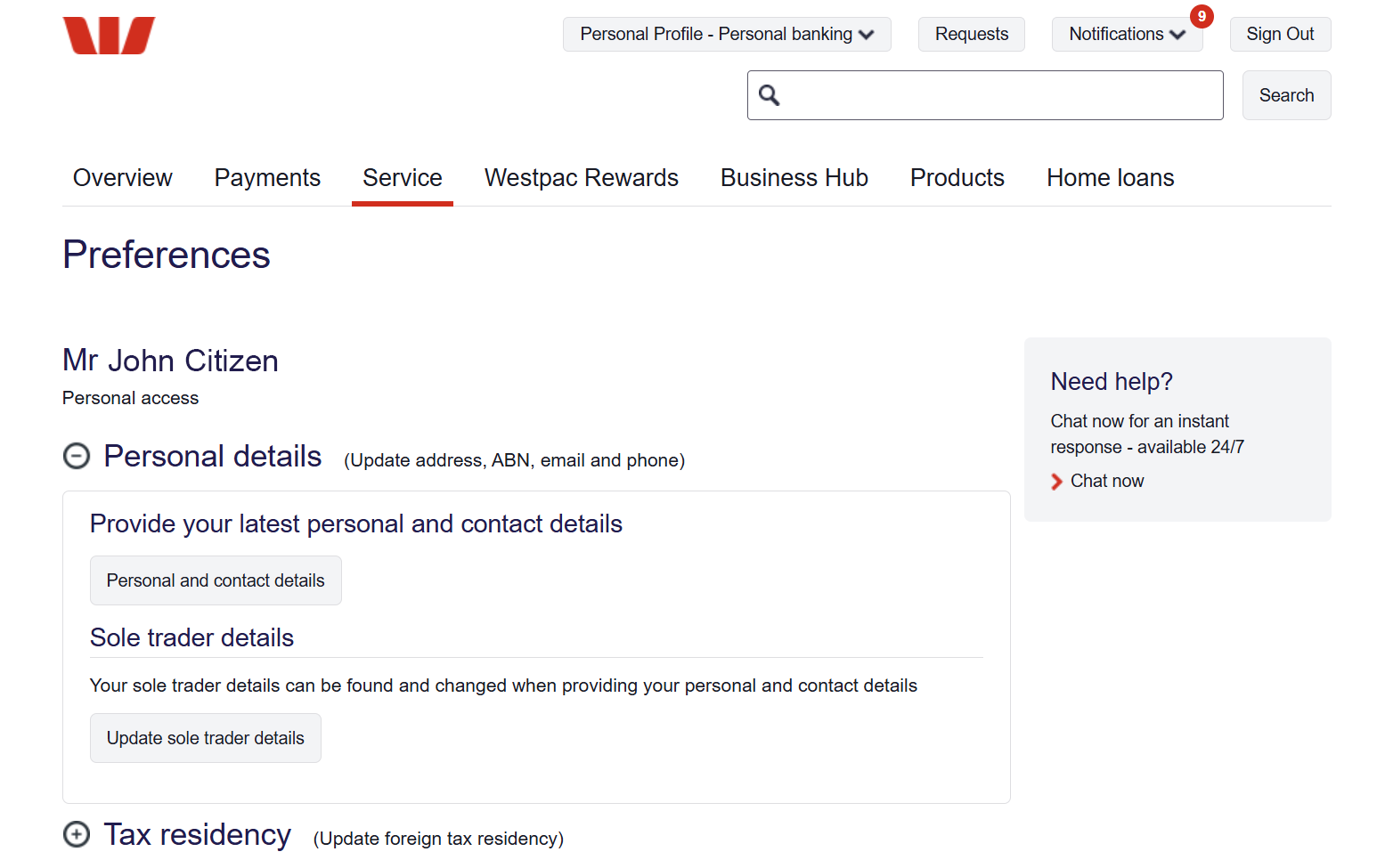
Click Service > Preference from the options.
Preferences screen will be displayed.
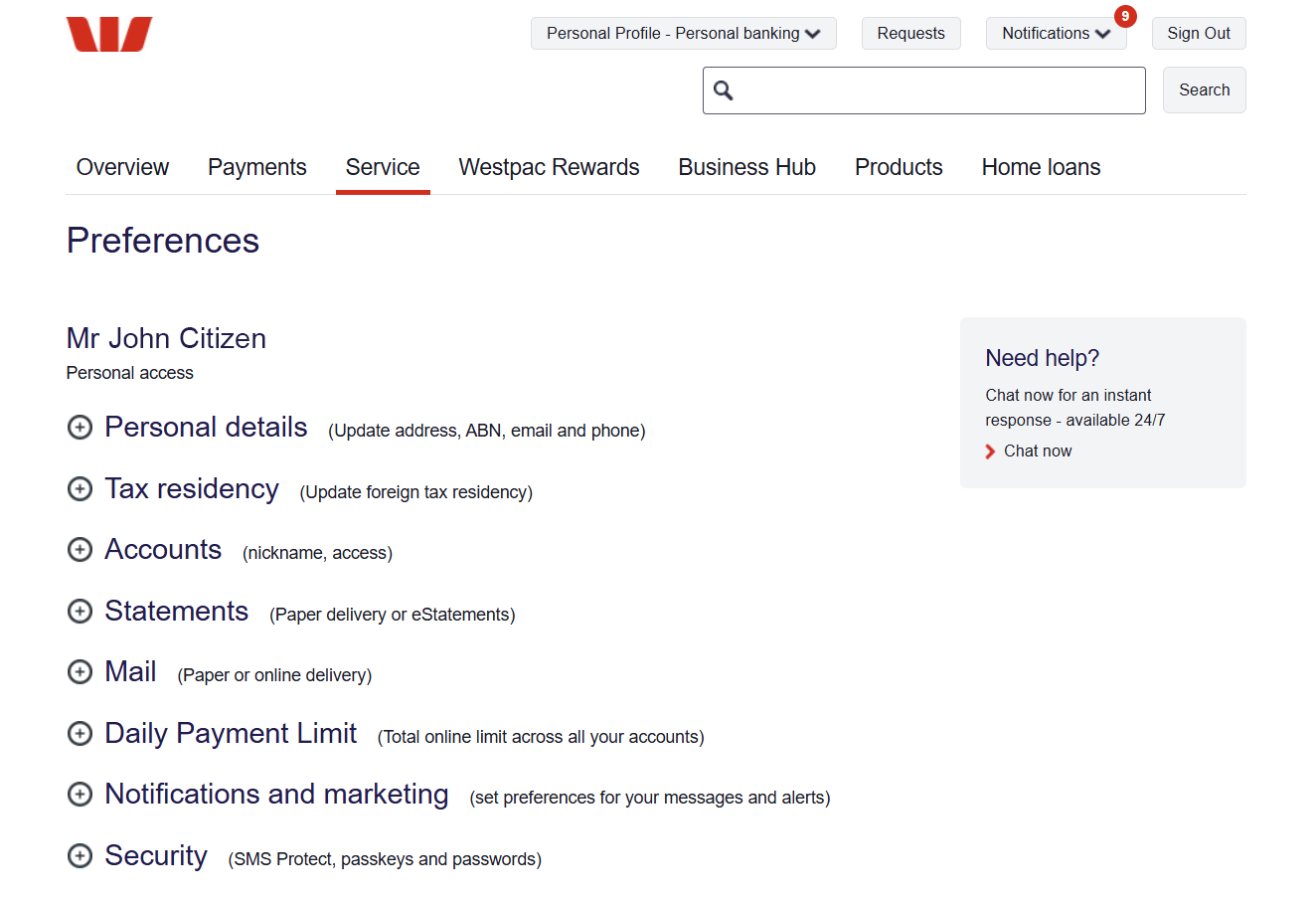
Click on ‘Personal and contact details’ under Personal Details.
Personal and Contact details will be displayed.
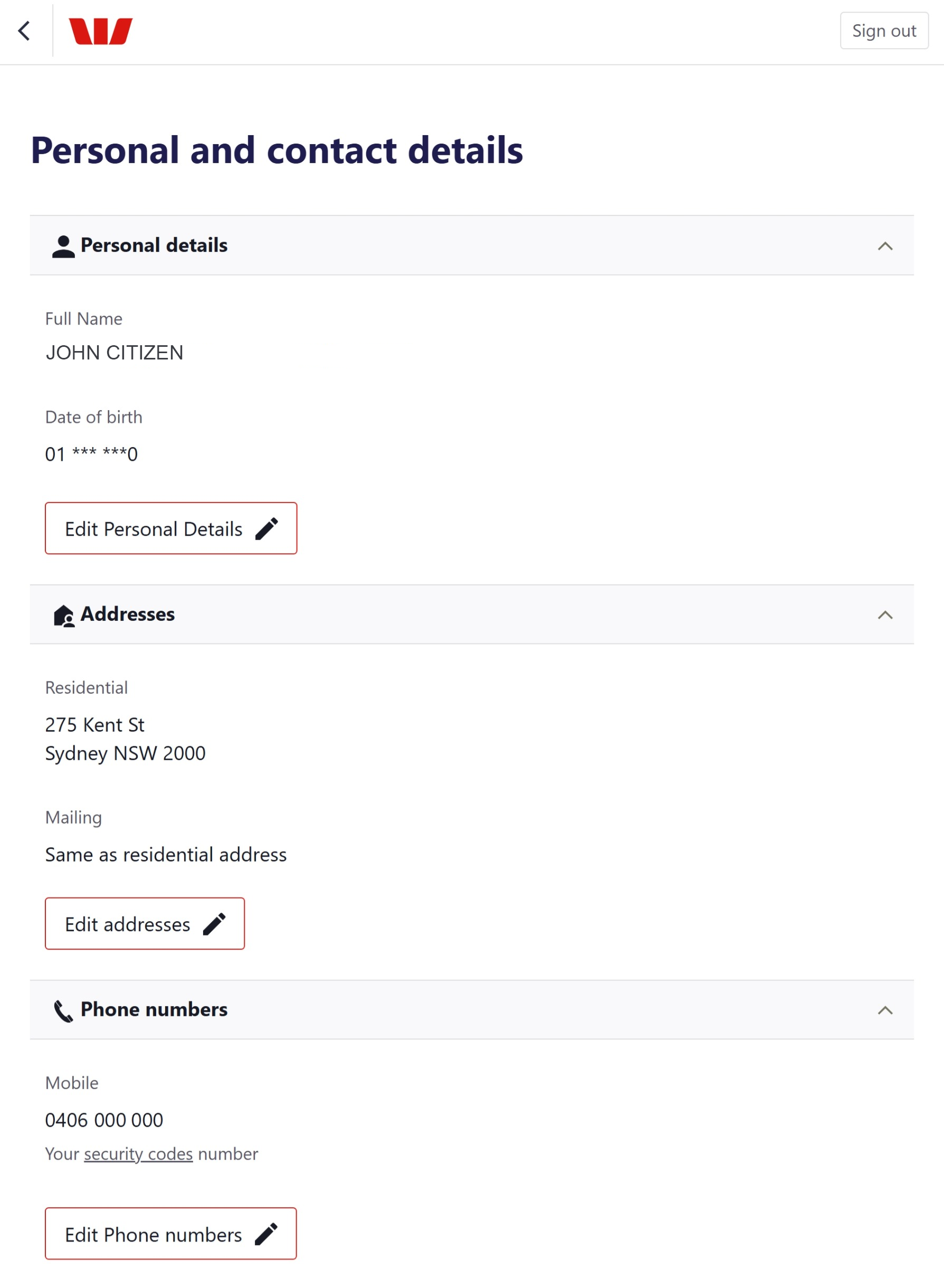
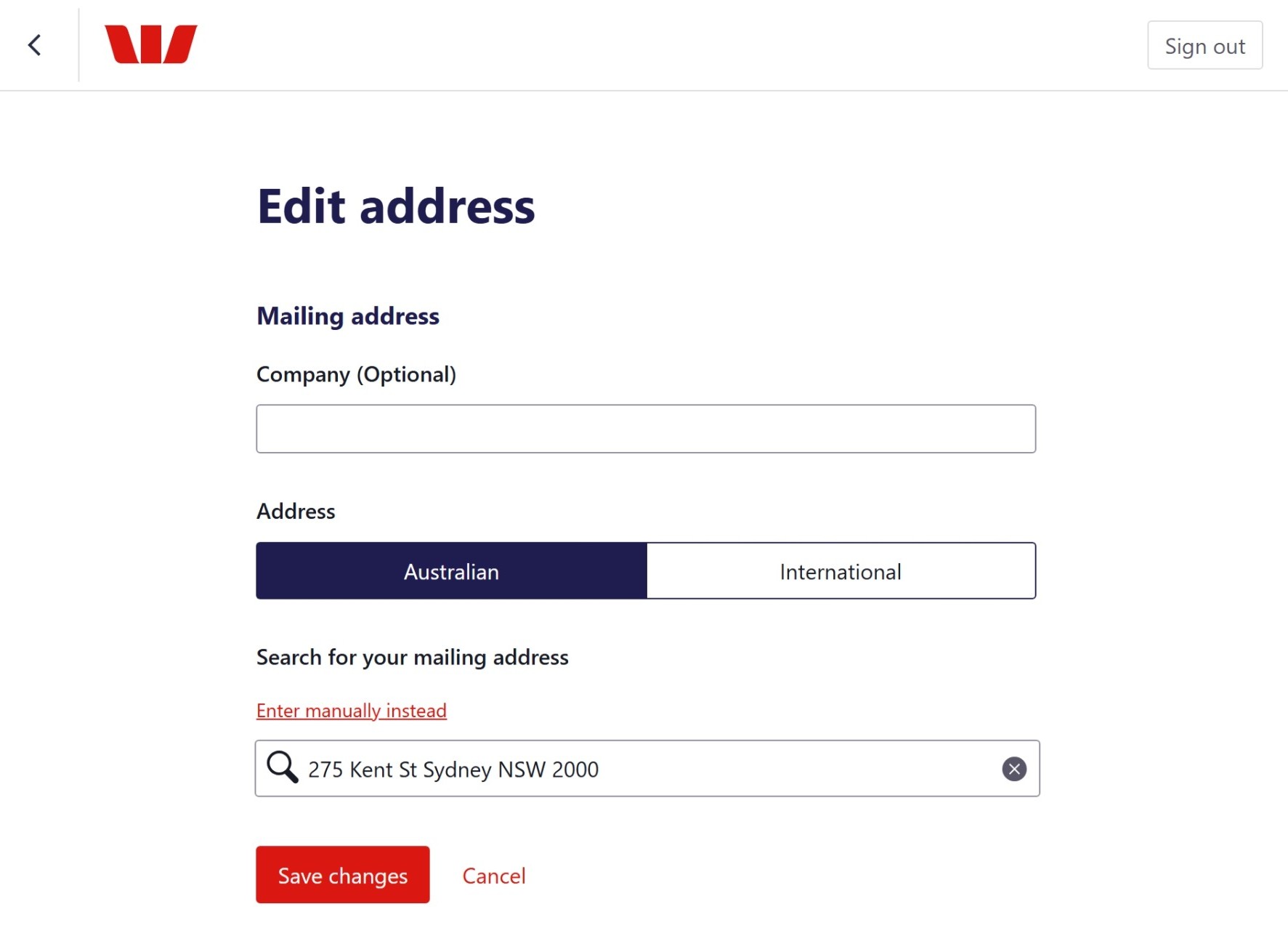
Click on 'Edit address' to add mailing address or change residential address.
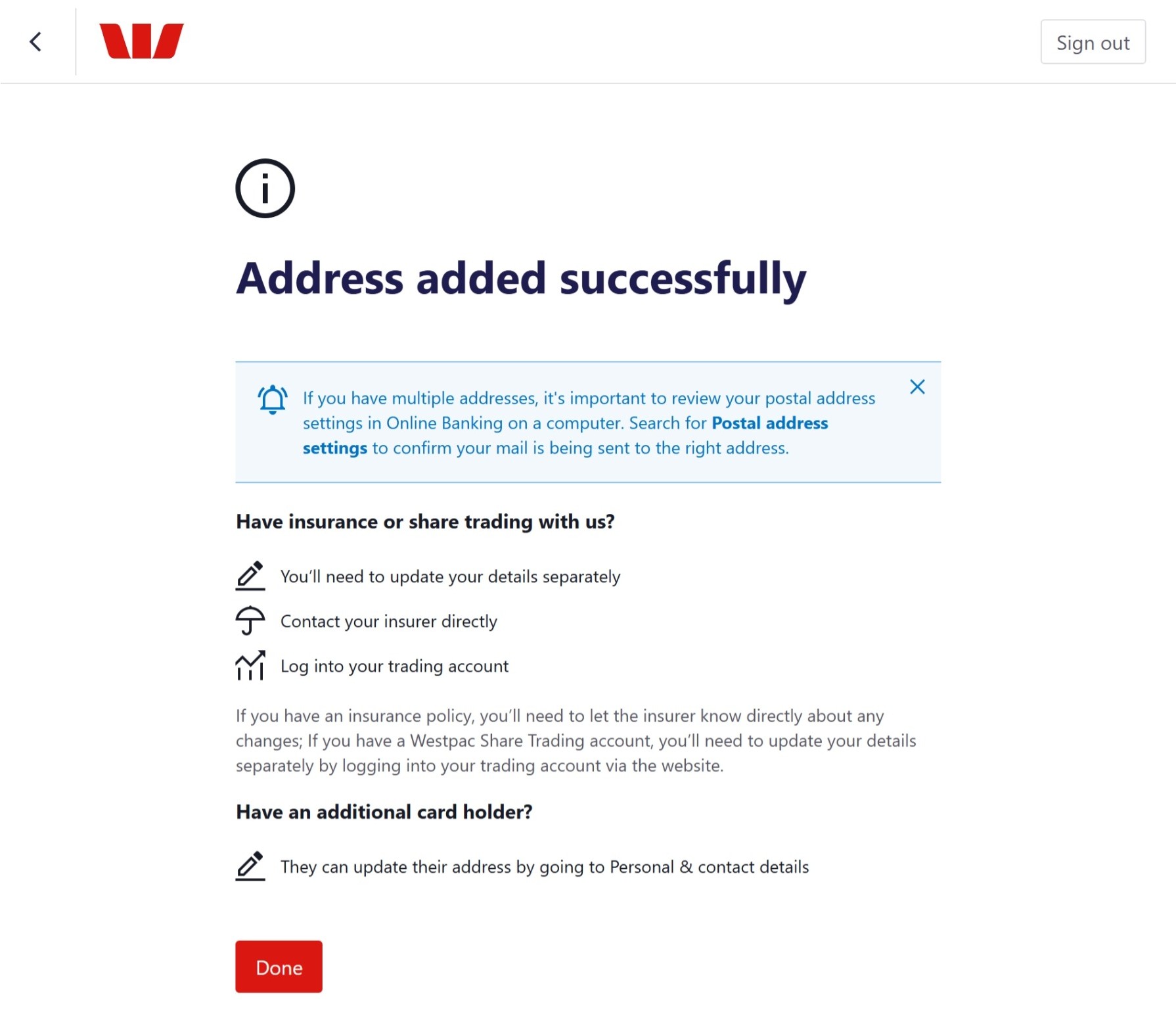
Click on ‘save changes’ button for update.
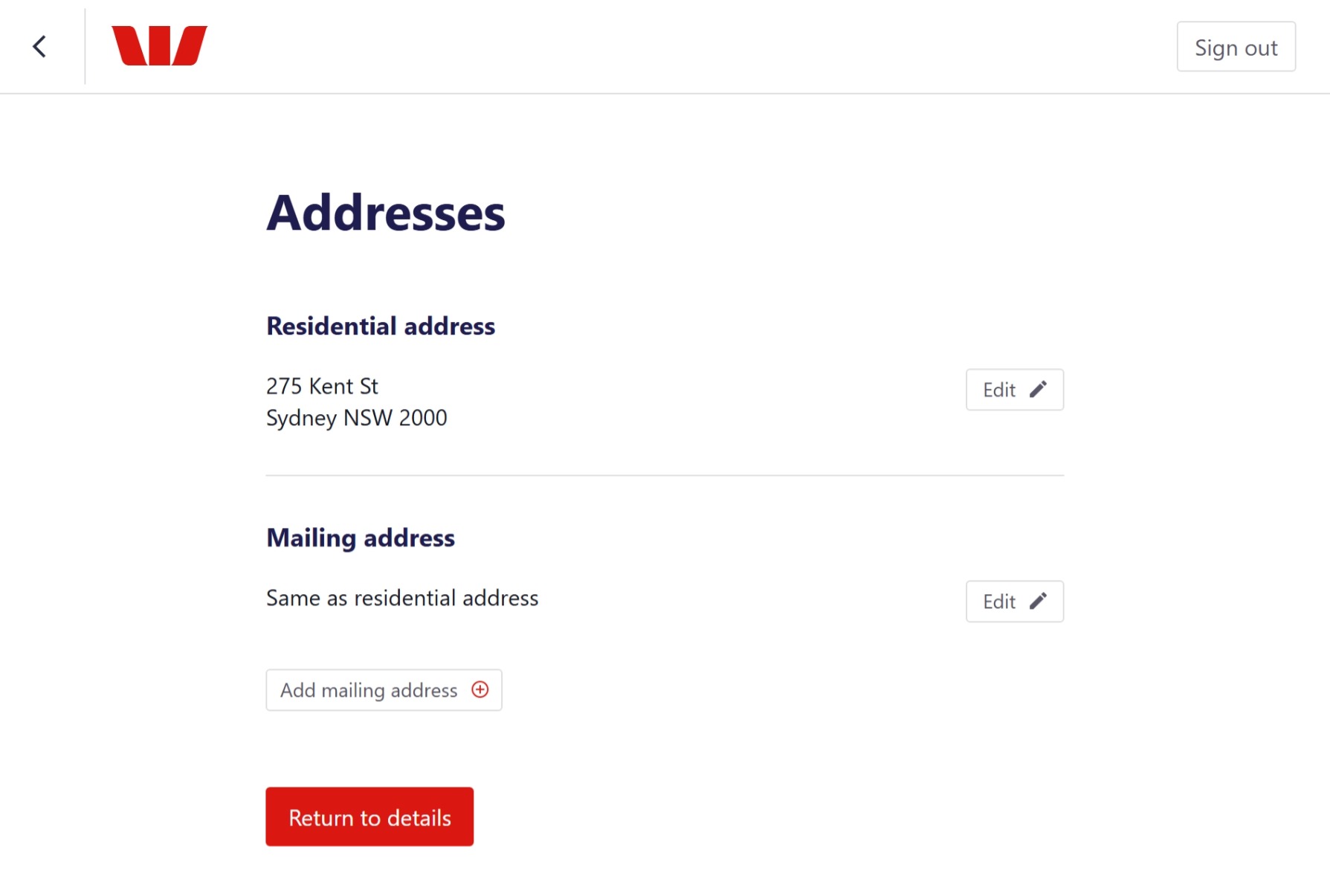
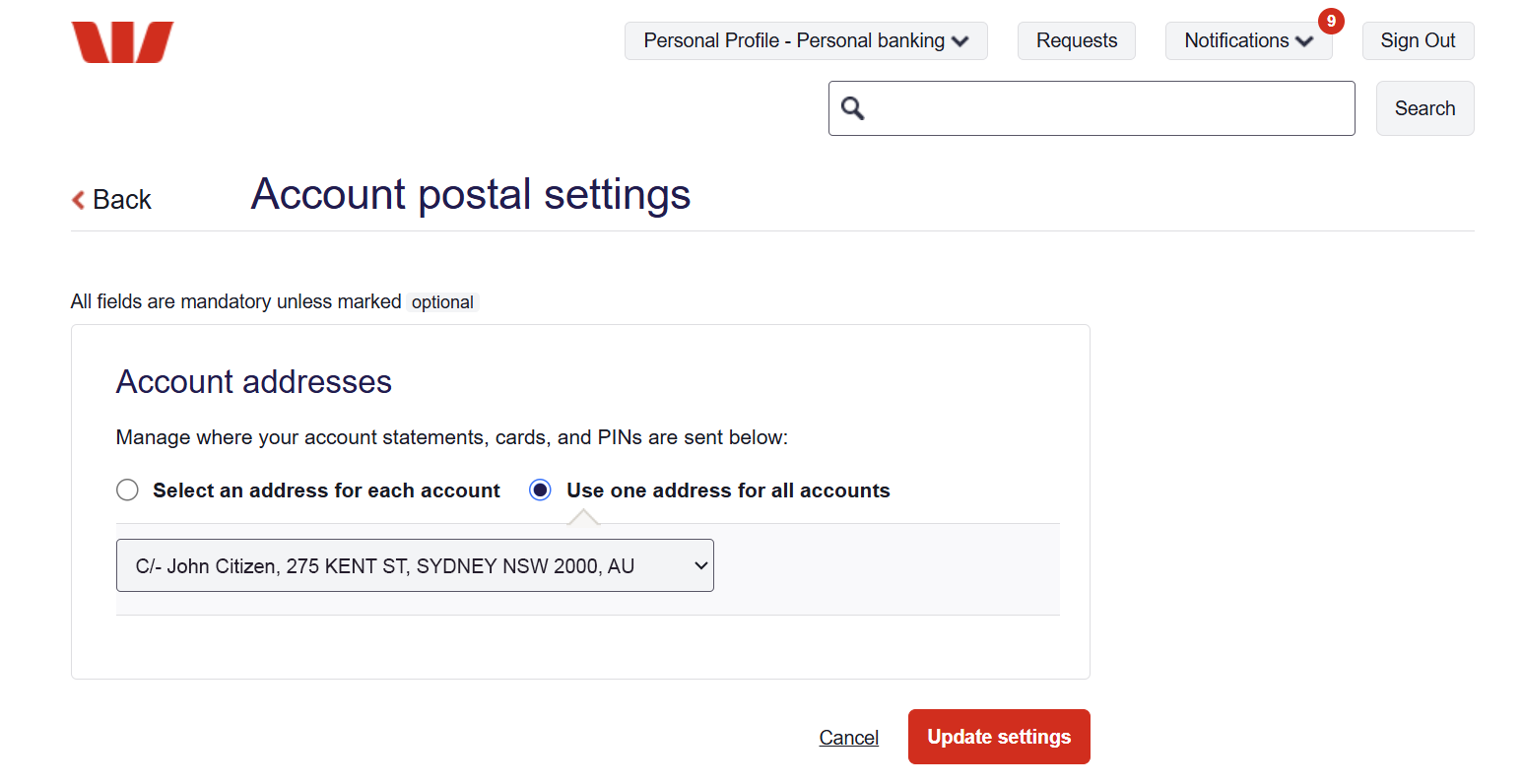
Type ‘postal’ in the search bar.
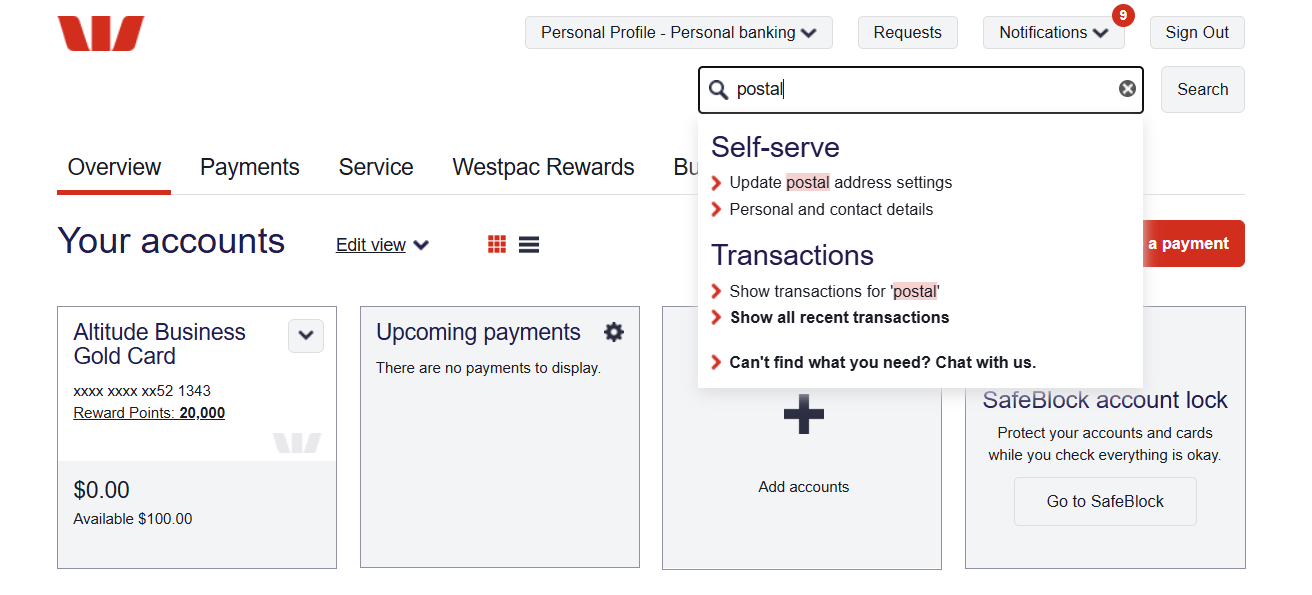
Click ‘Update postal address settings’ given in the Self serve options.
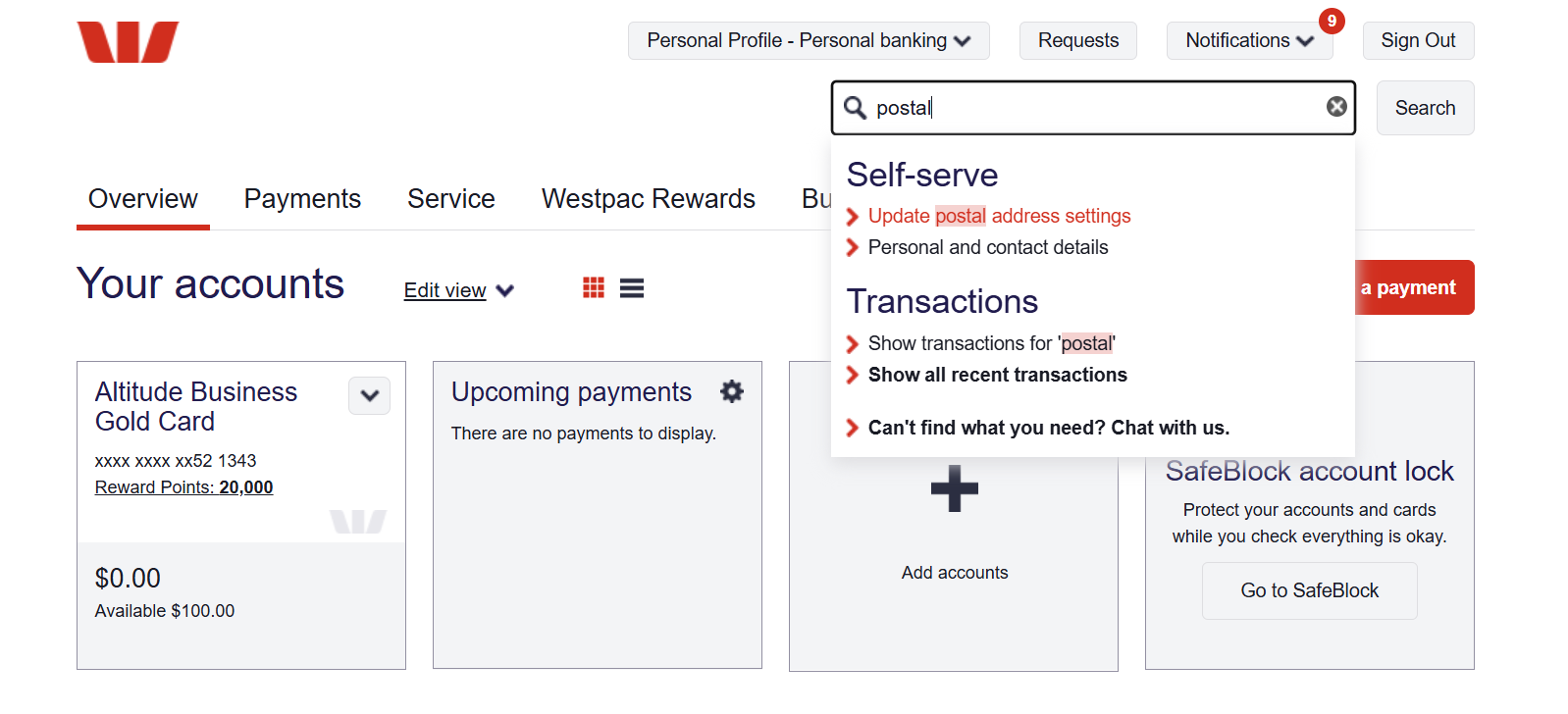
Set preferred address for card delivery using ‘Select an address for each account’ radio button.
Click on ‘update settings’ button for update.
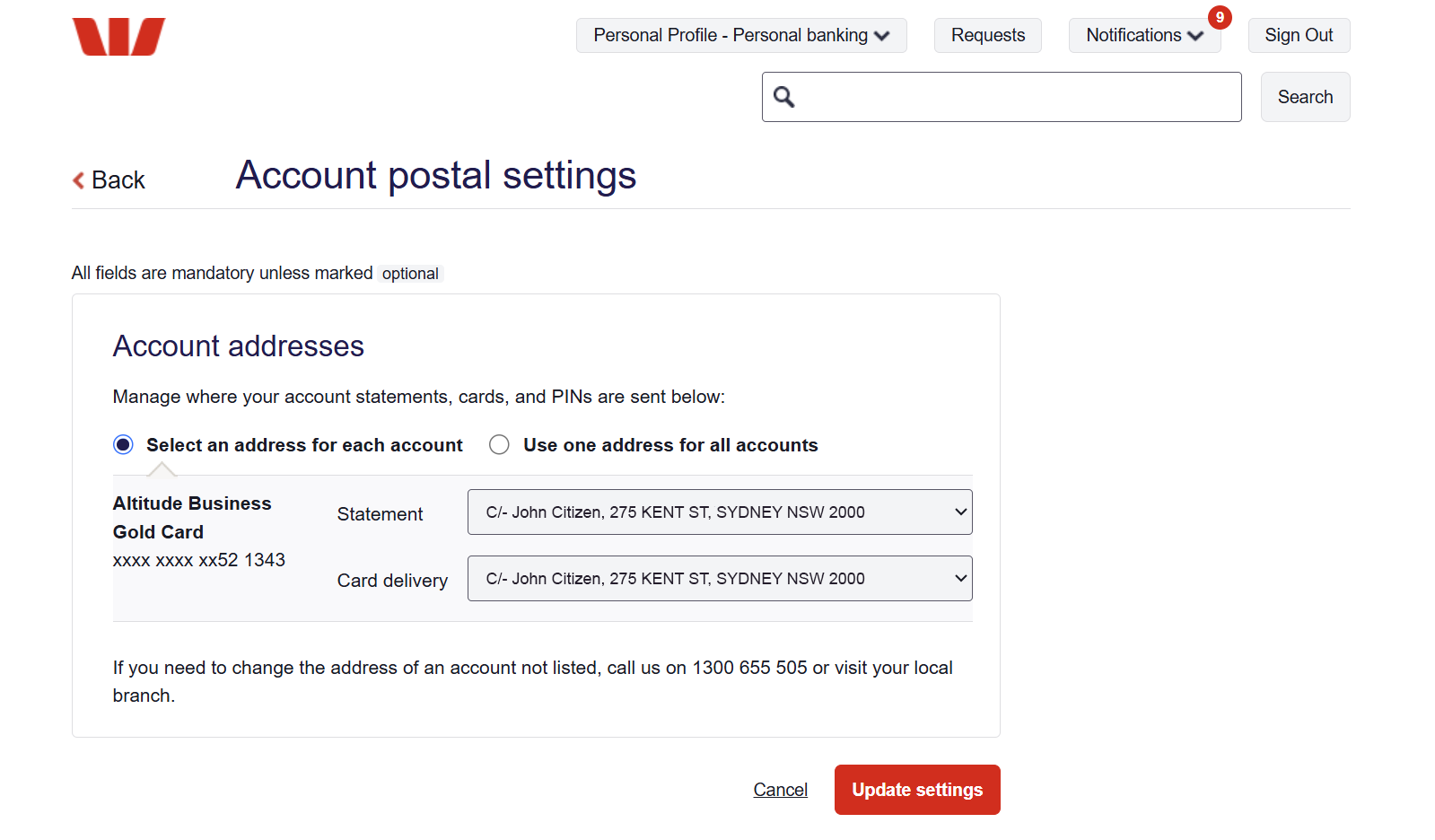
Set same address for all card account using ‘Use one address for all accounts’ radio button.
Click on ‘update settings’ button for update.
What if I have more than one address saved?
Review the addresses saved against your account and make sure the correct card mailing address is selected for your card.
What if there are additional cardholders?
The primary cardholder should make sure their card mailing address is current. New cards for a primary and additional cardholder on the same card account are sent to the primary cardholder's preferred address.
Find out more about the Altitude Business Credit Card transition in the full FAQs.