
Personalised Insights are being introduced gradually. This means they may not be available to all customers right away.
Your money, your way
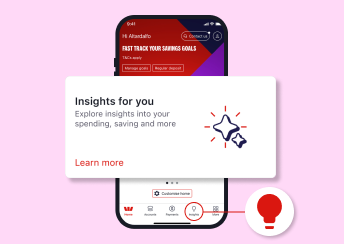
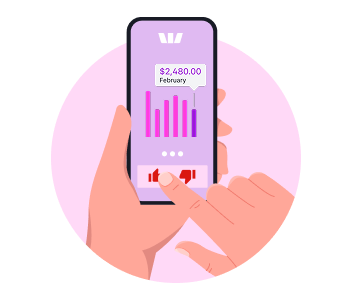
Get Personalised Insights based on your spending and saving habits. No extra steps needed. You’ll notice helpful insights appearing on your home screen to guide your money decisions.
Want even more? Set up and use our money tools in the app to unlock enhanced insights and take your money management further.
Get the most out of Personalised Insights
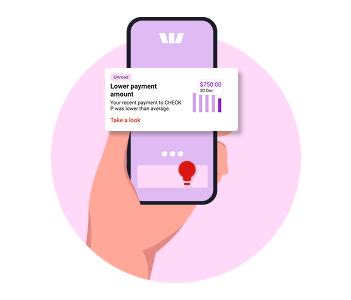
Managing money should be simple. Personalised Insights give you tips and alerts that matter to you. They could help you save more, avoid surprises, and stay in control of your money.
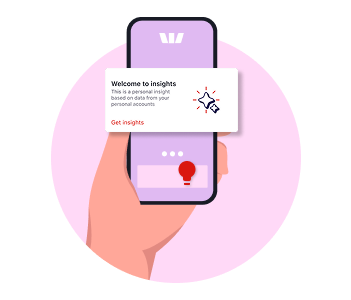
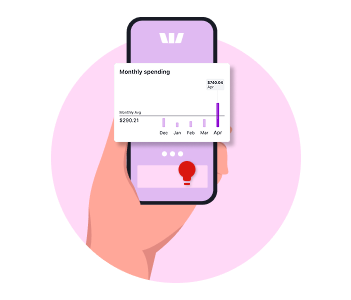
More ways to set you up for smarter money choices
Your budgeting tools
-
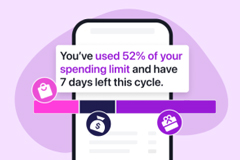
Budget Planner
Set your regular ins and outs so you know how much cash you've got left to splash.
-

Spend categories
We automatically group your transactions into categories like Groceries, Transport and Travel to help make budgeting easy.
-
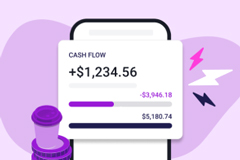
Cashflow
Track your income vs expenses weekly, fortnightly, or monthly to see where your money goes and if you’re ahead.
-
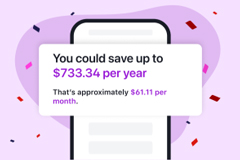
Savings Finder
From forgotten subscriptions to found savings with our handy tool.
-
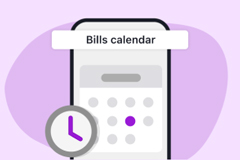
Bills Calendar
Set up Bills Calendar and receive alerts that remind you when to pay bills.
-
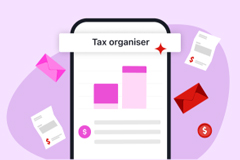
Tax Organiser
Mark your tax relevant transactions and keep track of your expenses all year round.
Frequently asked questions
You might not see insights if:
- You’re under 18 (insights are only for customers 18+)
- There are no new insights available right now. Try checking within the Insights tab for insights you might have missed
- We may not have rolled out insights to you yet. Keep an eye out as we’re continuing to roll out insights to more customers.
You can give feedback on each insight:
- Tap the thumbs up if you like an insight and you want to see similar ones in the future
- Tap the thumbs down if it’s not useful. Do this three times and similar insights will stop showing
- Leave us feedback in the box provided if you’d like to tell us more.
No. Insights don’t update straight away after every transaction. They refresh at certain times based on your recent activity.
Not at first. We're continuing to roll out insights to more customers. When they become available, insights will only be available to customers who:
- Are 18 or older
- Use the Westpac App and have Online Banking.
No, you can’t turn off insights, but you can manage them. You can
- Customise your dashboard to hide Insights, but you'll continue to see them in your Insights hub
- Give feedback (thumbs down) to stop similar insights.
This can happen if:
- There are no new insights for your recent spending activity
- You gave feedback to stop certain types of insights.
Download the Westpac App
Already registered for Online Banking? Just download the app — no extra sign-up needed.


Help when you need it


Things you should know
Read the Westpac Online Banking Terms and Conditions (PDF 633KB) at westpac.com.au before making a decision and consider whether the product is right for you.
iPhone, iPad, iPod touch and Apple Watch are trademarks of Apple Inc., registered in the U.S. and other countries. App Store is a Service mark of Apple Inc.
Android, Google Play and the Google Play logo are trademarks of Google LLC.