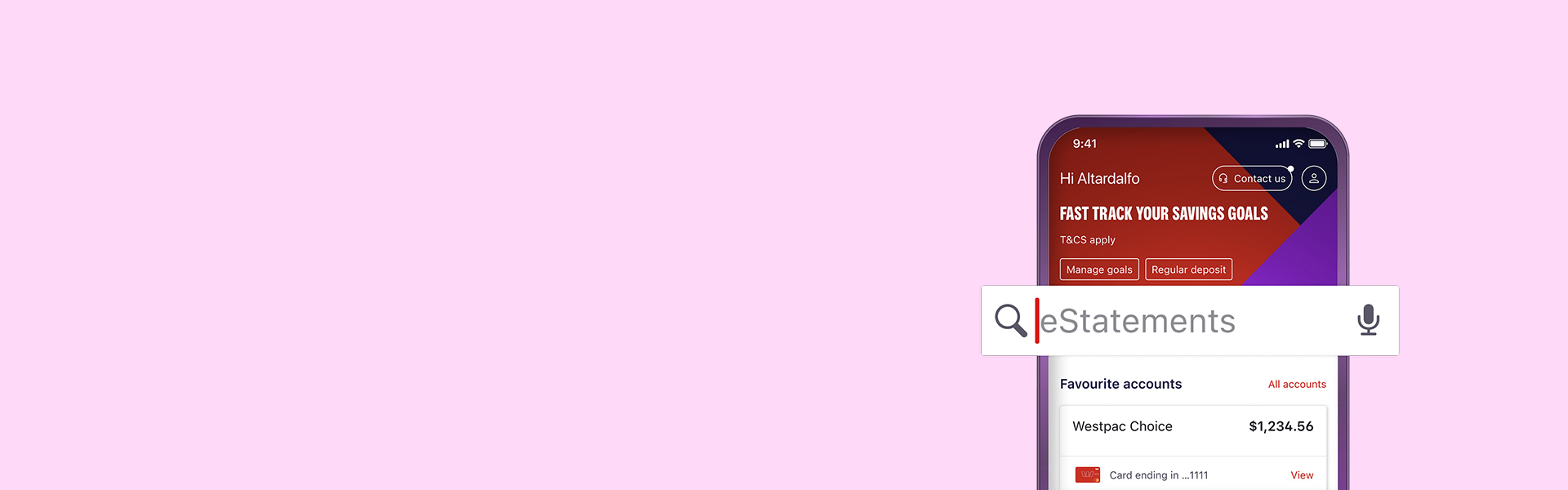
Make the switch to eStatements
A more secure, convenient and paper-free way to get your statements online.
Access your statements online instantly
eStatements are digital versions of your bank statements. They hold the same information as paper statements and can be accessed via the Westpac App or Online Banking. Benefits of switching:
It's more secure
Access what you need, when you need it
Access up to 7 years of history
Handy for tax time
Looking for a transaction listing? Get quick access to your proof of balance and transactions report or download an interest and tax summary.
How to switch to eStatements
How to switch to eStatements
Make sure you have the latest version of the app.
- Search eStatements in the Smart Search bar
- Tap Switch to eStatements and select the account
- Tap eStatement then Update
To view eStatements
- Search Statements in the Smart Search bar
- Tap Statements (incl. closed accounts)
- Select the account in Active Accounts
- Tap the Statement date period you want to view
- Tap the share icon to download or send a copy
How to switch to eStatements
- Select Service on the menu bar
- Under Your preferences select Statement settings
- Under Statements select an Account
- Select eStatements and Save
To view eStatements
- Go to Overview and then Statements
- Select an account under Active accounts
- Enter date range or select a pre-set range and select Search
- Select Download PDF to view or print the statement


What you need to know before you switch
You’ll be able to switch to eStatements for selected accounts linked to your personal banking profile – including savings and transaction accounts1, mortgage accounts1 and credit cards2.
In some cases, eStatements aren’t available for all products so you’ll still receive paper statements.
To be eligible for eStatements:
- You need to be registered for Online Banking.
- You'll need a valid email address updated in your contact details.
In some cases, eStatements aren’t available for all products so you’ll still receive paper statements. This could be because your account statement preferences are linked to a mortgage account in an offset arrangement.
Joint account customers can receive eStatements. If you’re a joint account holder and you decide to receive eStatements, your statement preference won’t impact other account holders, as statement settings are based on individual needs.
You can check online to view your statement settings or choose to get eStatements.
You can view up to 7 years of statement history online for closed accounts, including those related to lost or stolen cards. Please note that only the original account holder can access statements for closed accounts linked to eligible accounts.
To access these statements, follow the how-to instructions above, or learn more about accessing statements for closed accounts.
Need more info?
For more information on eStatements, visit our eStatements page or contact us via the Westpac App for support.
Things you should know
Read the Westpac Online Banking Terms and Conditions (PDF 899KB) at westpac.com.au before making a decision and consider whether the product is right for you.
- For savings, transaction, and mortgage accounts, joint account customers are able to receive eStatements. If you’re a joint account holder and you decide to receive eStatements, your statement preference won’t impact other account holders, as statement settings are now based on individual needs.
- For credit card accounts, only the primary cardholder can elect to switch to eStatements. If you choose to stop receiving paper statements for a joint account, we’ll send an email notification only to the primary cardholder each time an eStatement becomes available for viewing in the Westpac App and Online Banking.
Westpac Fraud Money Back Guarantee ensures that customers will be reimbursed for any unauthorised transactions provided that the customer has not contributed to the loss and contacted Westpac promptly. Refer to the Westpac Online Banking Terms and Conditions terms and conditions for full details, including when a customer will be liable.
iPhone, iPad, iPod touch and Apple Watch are trademarks of Apple Inc., registered in the U.S. and other countries. App Store is a Service mark of Apple Inc.
Android, Google Play and the Google Play logo are trademarks of Google LLC.