
FIND IT FAST WITH SMART SEARCH
Save time and use Smart Search in the Westpac App to find transactions, tools, insights and more.
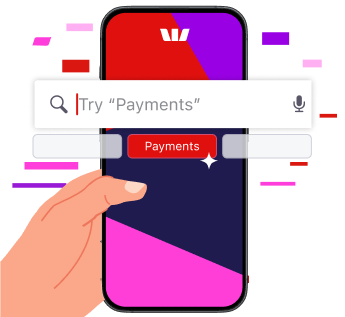
Find what you need
Discover new features
Need inspiration? Search Tools to explore ways to help manage your money.
Get quick results
Get to where you need to be, fast, with Smart Search.
Tick off tasks
Find what you need to do and get it done. Search Payments to get started.
Try Smart Search
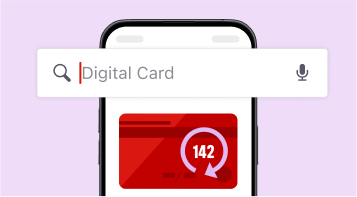
For cards, search:
- Digital Card
- Increase credit card limit
- Lock card
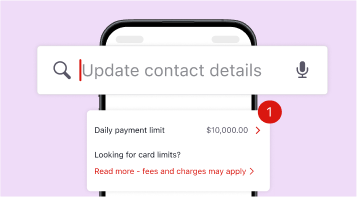
To manage your profile, search:
- Update contact details
- Notifications
- Daily payment limit
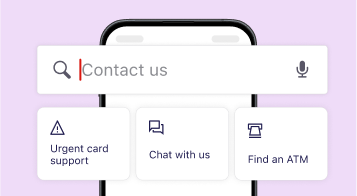
To get help and FAQS, search:
- Contact us
- Find an ATM or branch
- Help centre
Different ways to search in Westpac
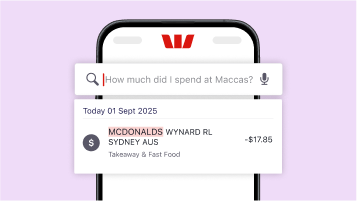
Transactions search
In your Westpac App, tap into your account’s transactions and use everyday language to find answers fast.

Desktop Online Banking
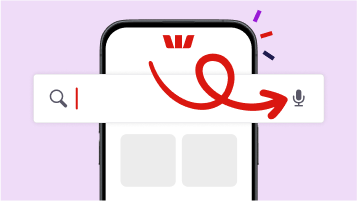
Voice search
Yes, you can search transactions by description, date or amount. You can also filter by payment type, such as credit or debit transactions. Your transaction history will allow you to see previous account balances.
In the Westpac App: Smart Search
In the Westpac App from Home or Accounts, tap on a specific account > then tap on the magnifying glass icon next to 'Recent Transactions'.
You can search by name, date, amount or even use everyday language.
Just type or tap the mic and say something like, 'How much did I spend on Maccas last month?' or 'Show my spending above $300' to get quick answers.
Desktop
To search your transactions on desktop, use the search bar at the top of the page or go to Overview > Transaction search.
Make sure you’re registered for Westpac Online Banking. If not, register here.
iPhone
- Go to the App Store
- Search Westpac
- Tap Get and follow the prompts
Android
- Go to the Google Play Store
- Search Westpac
- Tap Install and follow the prompts
To start banking, open the Westpac App, enter your Customer ID and Online Banking password.
Having trouble downloading the Westpac App? Check our list of supported devices to see if it’s available for your device.
If you’ve already registered for Online Banking you can use your Customer ID and Online Banking password to logon to the Westpac App.
If you’re not registered, register here now.
If you’ve forgotten your Customer ID, retrieve it here now.
Download the Westpac App
If you are registered for Online Banking you automatically get access to the App.


Things you should know
Read the Westpac Online Banking Terms and Conditions (PDF 899KB) at westpac.com.au before making a decision and consider whether the product is right for you.
iPhone, iPad, iPod touch and Apple Watch are trademarks of Apple Inc., registered in the U.S. and other countries. App Store is a Service mark of Apple Inc.
Android, Google Play and the Google Play logo are trademarks of Google LLC.