Getting paid as a service provider
Creating valid invoices.
Invoice process
Westpac will issue you a Purchase Order (PO) so you can easily and electronically invoice us either through the Coupa Supplier Portal (CSP) or via an email. For more information about how to create an invoice from a Purchase Order in the CSP, see Working with Coupa. The benefits include upfront approval of spend, auto-matching of purchase orders to invoices and real-time visibility of the purchase and payment status.
In exception cases, see the Australian Taxation office for guidance on Setting up your business Invoice and Tax Invoices. You can also find more information on Payments and Invoicing.
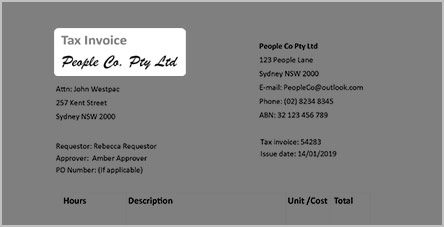
1. A valid invoice
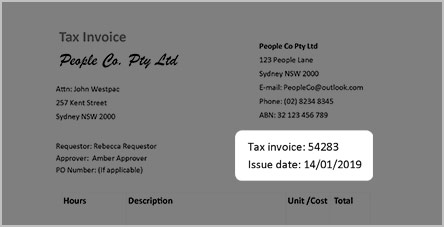
2. An invoice number and an issue date
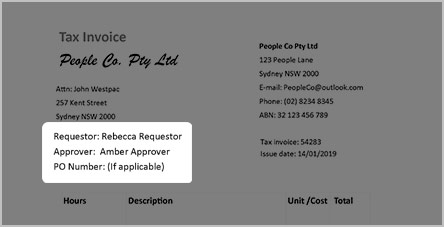
3. You will need to nominate a Westpac Group Requestor and a PO number
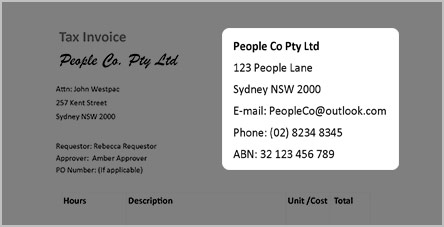
4. Your contact details (to match your ABR record)
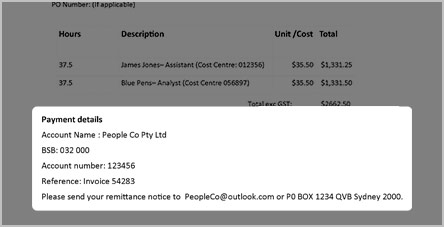
5. Payment details
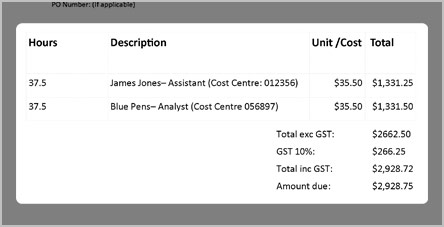
6. A brief description of the products or services you have provided
Note: If the above information is not provided, this may result in delays to your payment as we will need to make enquiries on your behalf to find the correct Westpac Group contact.