
Types of Scams & Fraud
Scams are attempts by scammers to steal money or personal information by pretending to be trusted organisations or people. Understanding the different types of scams can help you recognise warning signs and protect yourself.
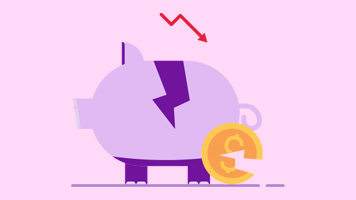
Investment Scams
An investment scam is when scammers create or promote a fake investment opportunity to trick you into transferring money or sharing personal details.
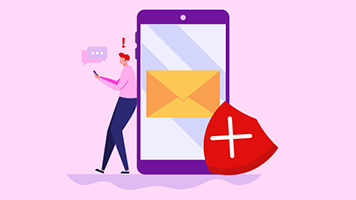
Business Email Compromise Scams
A business email compromise (BEC) scam is when scammers send or intercept business emails to redirect payments or request urgent transfers to an account they control.
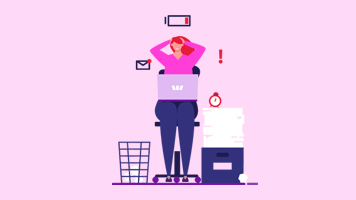
Remote Access Scams
A remote access scam is when scammers convince you to install software so they can control your device to access your accounts and move money.
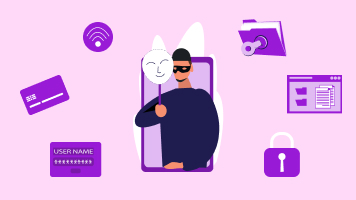
Impersonation Scams
An impersonation scam is when scammers pretend to be a trusted organisation, or person you know, to pressure you into paying money or sharing personal or banking information.

Romance Scams
A romance scam is when scammers build trust through online relationships, then ask for money or personal details or pressure you to make payments on their behalf.
Threat & Penalty Scams
A threat or penalty scam is when scammers pretend to be an authority – such as police or a government official and threatens penalties to force payment or information.
Take control with SafeBlock
If you suspect fraud or think you’ve shared details with a scammer, you can instantly lock your accounts and cards to stop transactions and unlock it anytime when you’re ready.

Online Shopping Scams
An online shopping scam is when scammers use fake websites to take payment for goods that aren't genuine or goods you never receive.
Ransomware
Ransomware is a type of malicious software that locks or encrypts your files and demands payment to restore access.
Phishing
Phishing is when fraudsters use emails, texts, calls or websites designed to trick you into sharing passwords, banking details or identification information.
Identity Theft
Identity theft is when fraudsters use your personal identification documentation to impersonate you, access accounts, or apply for products and services in your name.
Malware
Malware, short for Malicious Software, is harmful software that fraudsters try to install on your device to gain access to your accounts and steal money without your knowledge.
Buying and Selling
A buying and selling scam is when scammers pose as either a buyer or seller to trick you into paying for goods upfront, sharing personal details, or sending items without receiving payment.
Job & Unexpected Money Scams
A job or unexpected money scam is when scammers promise work, a prize or a payout but ask you to pay fees or share personal information first.
Tax Scams
A tax scam is when scammers impersonate the ATO or other government agencies, using threats or urgency to pressure you into paying money or sharing personal details.
Sextortion
Sextortion is a type of scam where scammers threaten or pressure someone to hand over money or personal information by exploiting private images or messages.
Stay safe with scam tips from Head of Fraud Prevention, Ben Young
-
 Letter box scam
-
Re-scam
-
Westpac Scam Workshop
-
Bank impersonations
-
Business email compromise scams
-
Investment scams