
Stay Safe with Westpac
Let's help you stay safe online. Our Security Hub helps you keep your money and personal details safe.
SafeBlock
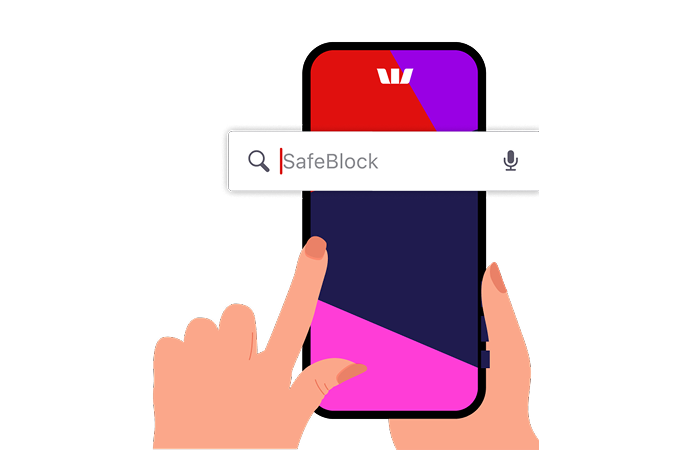
More layers of defence
We'll never ask you to...
If you're asked for any of these, you should be concerned. Request a reference number, then hang up and call us back on 132 032.
Ways to keep yourself safe
Activate your Security Device

Take the Security Wellbeing Check

Get updates with Push Notifications

Get set up with a Digital Card


Scam or not a scam?
Take the 3-minute test to find out your scam safety score and brush up on your knowledge with helpful anti-scam resources.
How safe are your online shopping habits?
Answer a few simple questions to test your scam awareness and learn how to stay safe online. It’s easy, informative, and designed to help you spot the warning signs before it’s too late.
Get informed - stay ahead

Security resources
Whether you're after tips to strengthen your security or need guidance in response to a security breach, we have the resources for you.
Stay safe with scam tips from Head of Fraud Prevention, Ben Young
-
 Letter box scam
-
Re-scam
-
Westpac Scam Workshop
-
Bank impersonations
-
Business email compromise scams
-
Investment scams


Things you should know
Westpac’s Online Banking Security Guarantee - If your Westpac account is compromised as a result of Internet fraud, we guarantee to repay any missing funds, providing you comply with our Online Banking Terms and Conditions. This includes keeping your sign-in details (including passwords, Westpac Protect™ SMS codes and SecurID® Token codes) private. You must inform us immediately if you suspect the security of your access details has been compromised, or you suspect an unauthorised transaction or potential fraud on your accounts.
Westpac Fraud Money Back Guarantee: Our Westpac Fraud Money Back Guarantee ensures that you will be reimbursed for any unauthorised card transactions provided that you have not contributed to the loss and contacted Westpac promptly. Refer to your card's conditions of use for full details, including when you will be liable.
iPhone, iPad, iPod touch and Apple Watch are trademarks of Apple Inc., registered in the U.S. and other countries. App Store is a Service mark of Apple Inc.
Android, Google Play and the Google Play logo are trademarks of Google LLC.
This information is general in nature and has been prepared without taking your personal objectives, circumstances and needs into account. You should consider the appropriateness of the information to your own circumstances and, if necessary, seek appropriate professional advice.