
Why use Online Banking for your Business?
Stay in control
Manage your accounts online and share access with someone you trust, like your accountant or bookkeeper.
Save time
Connect your business bank account to your accounting software to help make matching records more efficient.
Westpac Verify
Paying someone new? We’ll check their BSB and account number to help keep your money extra safe.
Bank anywhere
As long as you have internet access, you can pay bills and move money anytime, on any device, wherever you are.
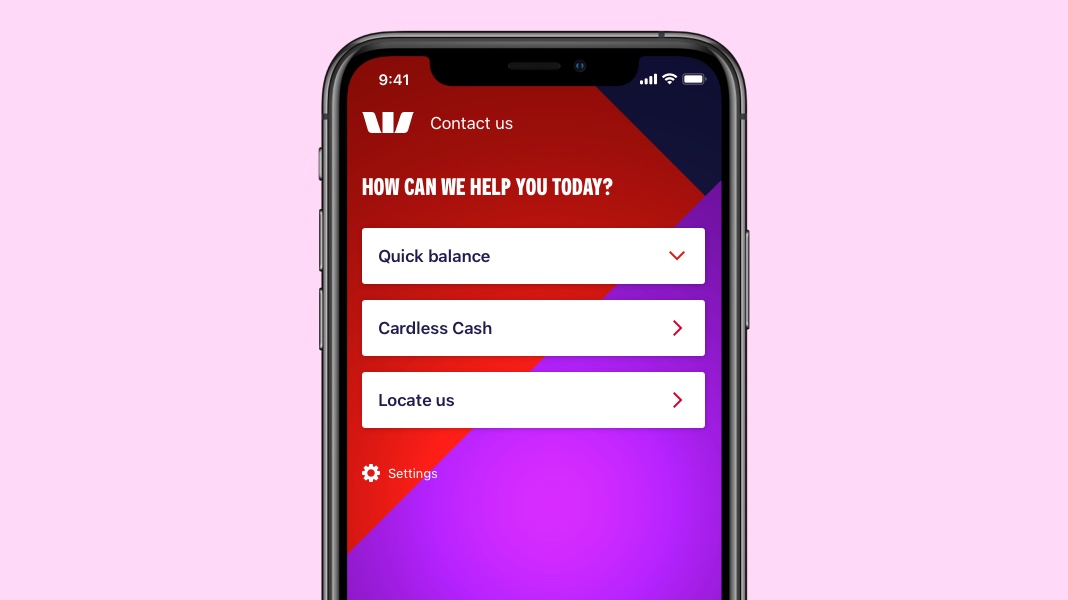
Switch profiles in the Westpac App
You can switch between Personal, Business and shared banking profiles in just a few steps.
- Tap the Profile icon
- Tap your profile name
- Select the profile you want to sign into.
Help simplify your business finances

Help set your business up for success
If you have a Business Transaction account and Online Banking, you can access the new Business Centre for exclusive offers, solutions and insights to keep your business growing and your cash flowing.
Sign into Online Banking or the Westpac App and access Business Centre on your dashboard.
Westpac Protect™ Online Banking Security Guarantee
If your Westpac account is compromised due to Online Banking fraud, we guarantee to repay any missing funds, provided you complied with our Online Banking Terms and Conditions.

Getting the most out of online banking



Business Daily Payment Limits explained
Learn more about daily payment limits with our handy guide.

Stay safe from scammers
Learn how to protect yourself and your business from fraud and scams with our tips, hints and how-tos.


Things you should know
Read the Online Banking Terms and Conditions before making a decision and consider whether the product is right for you.
Westpac’s Online Banking Security Guarantee: If your Westpac account is compromised as a result of Internet fraud, we guarantee to repay any missing funds, providing you comply with our Online Banking Terms and Conditions. This includes keeping your sign-in details (including passwords, Westpac Protect™ SMS codes and SecurID® Token codes) private. You must inform us immediately if you suspect the security of your access details has been compromised, or you suspect an unauthorised transaction or potential fraud on your accounts.
1. Read the Westpac Online Banking Terms and Conditions (PDF 417KB) (PDF 899KB) before making a decision. Not all accounts are eligible to be included in a bank feed. Not all third-party service providers support bank feeds for all accounts.
Bank feeds must be set up with third-party service provider before it can be connected in Westpac Online Banking. If your third-party service provider doesn’t appear in the drop-down menu in Westpac Online Banking, you may need to check that your third-party service provider is registered with Westpac. Should there be any changes to your user access or network access levels, you may need to disconnect your bank feed(s) as any access changes won’t impact bank feeds. The products and services offered by third-party service providers are subject to their own terms and conditions and fees and charges. Westpac doesn’t guarantee or endorse the services or products offered by third-party service providers.
2. Fast or near real-time payments are sent and received using Osko by BPAY® and can be addressed to either a PayID® or a BSB and account number. Near real-time payments require both the payer and payee to have Osko enabled accounts. Payments may take longer in some instances, such as where there is a technical interruption to the service, there is a payment to a first-time payee or when the payment is caught for additional security screening.
BPAY® and Osko® are registered trademarks of BPAY Pty Ltd ABN 69 079 137 518. PayID is a registered trademark of NPP Australia Limited.